Easy & Fast AI Image Editor Online
Edit, transform, and enhance images with AI in seconds. Remove objects, restyle visuals, and create new looks directly online.
Advantages
Two AI Image Editing Modes
Single Image Editing
Upload a single image and tell Ez Img Editor exactly what you want to change. From removing objects to changing backgrounds and enhancing details, AI makes professional editing effortless.
-
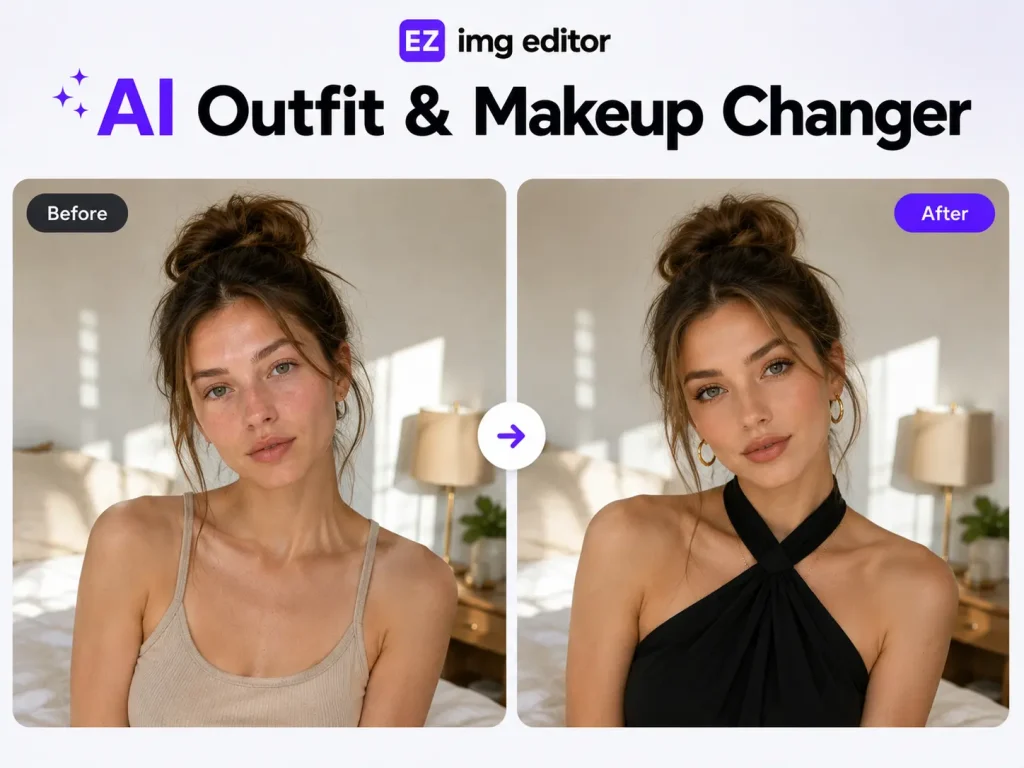
Adjust colors, lighting, and visual tone
-
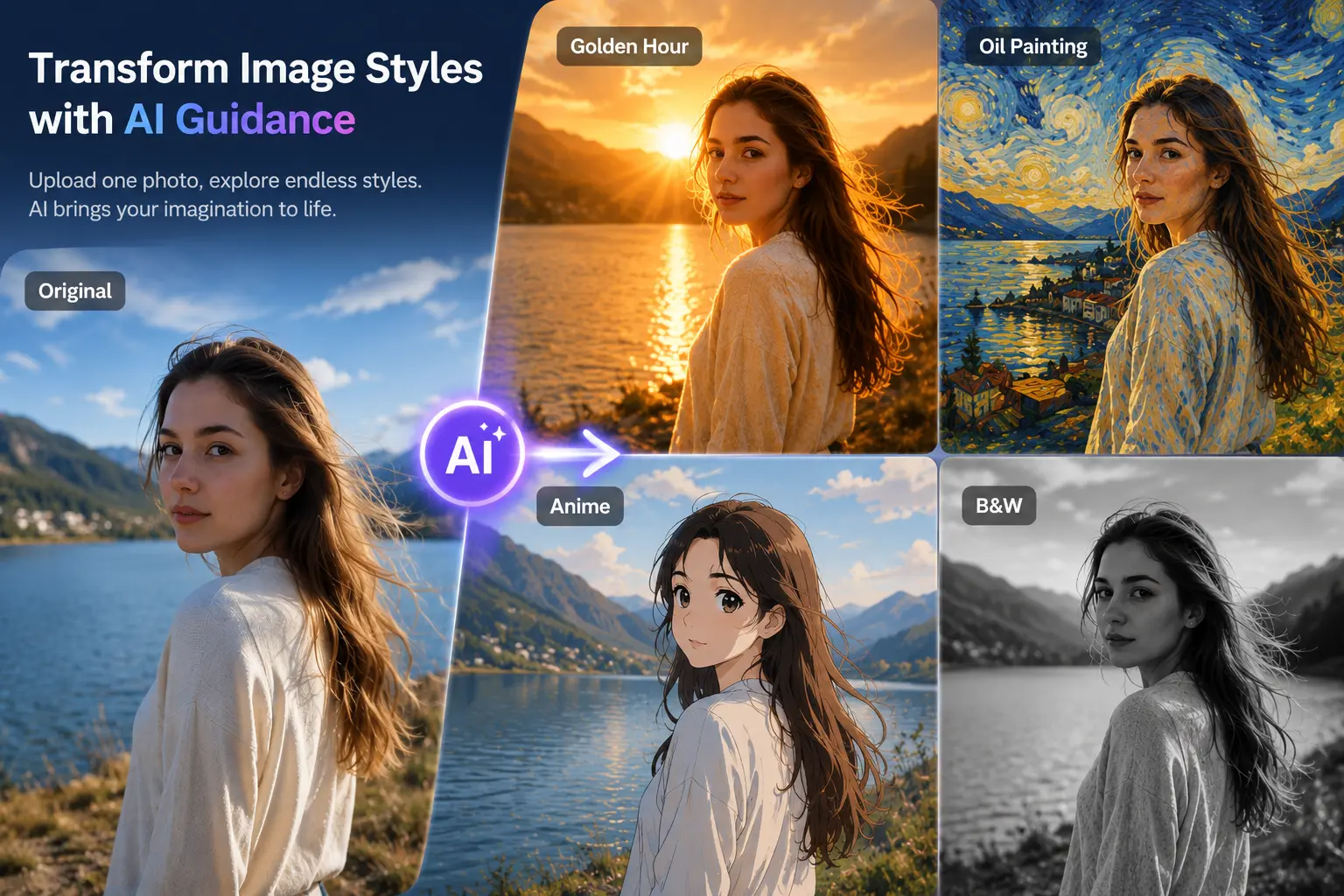
Transform image styles with AI guidance
-
Refine facial features and portrait details
-
Add creative effects through text prompts
Multi-Image Blending
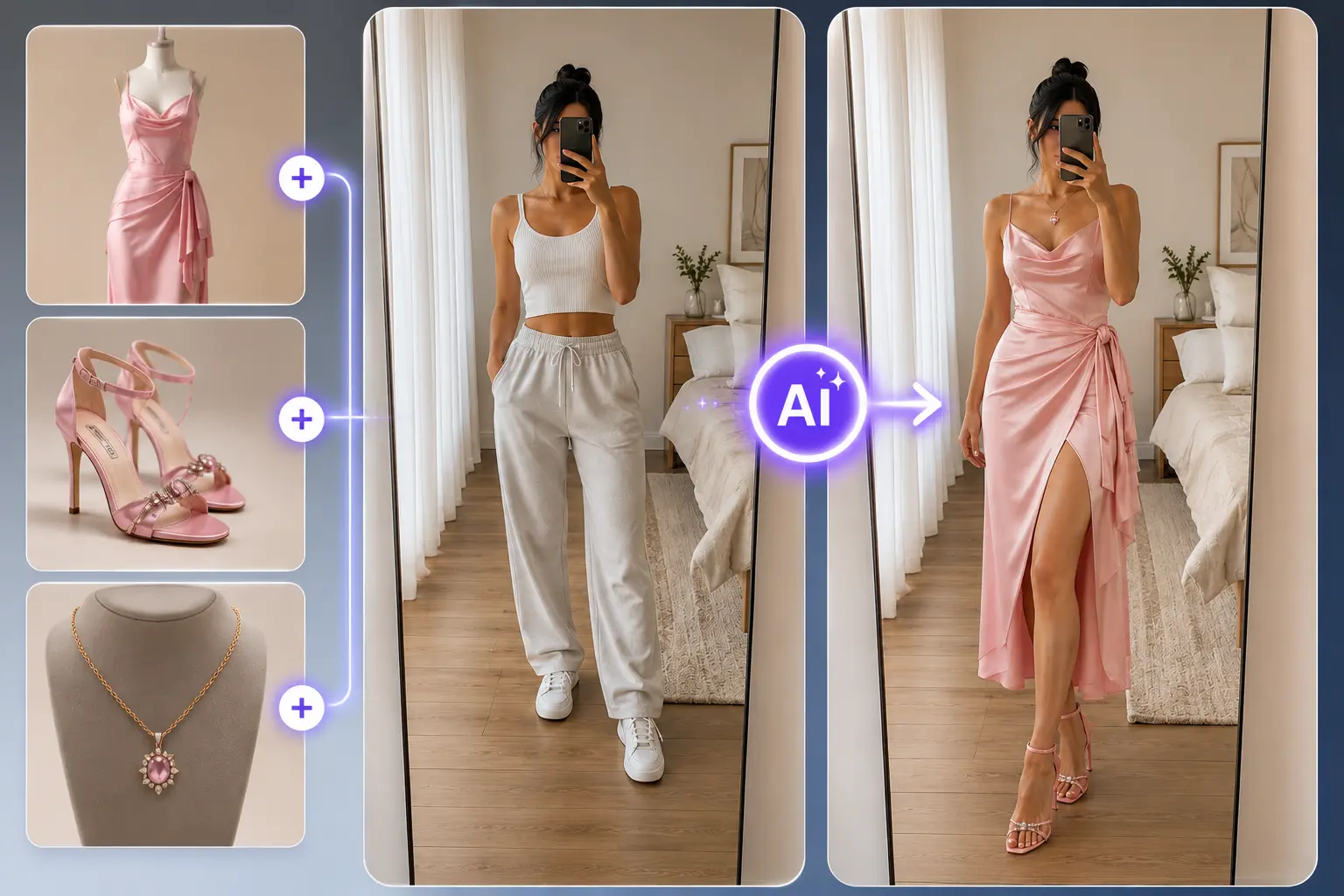
Upload multiple images and let Ez Image Editor intelligently blend their styles, subjects, or elements together. Create unique visuals that would normally require advanced design skills.
-
Merge elements from multiple photos
-
Transfer styles between images
-
Create custom compositions with AI
-
Generate unique creative visuals in seconds
Object Remover
Easily Remove Unwanted Object in one Click
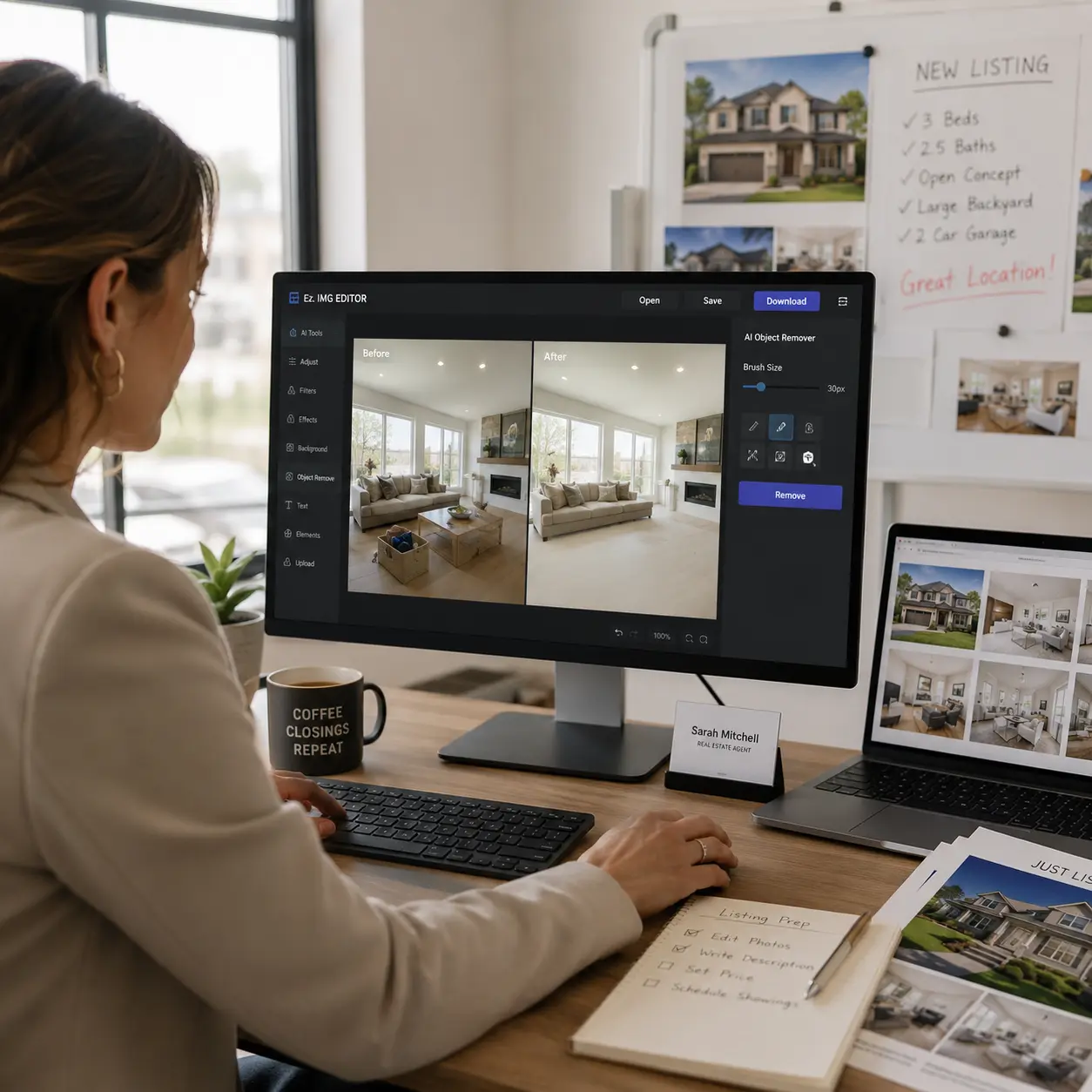
Remove photobombers, clutter, watermarks, or any unwanted distractions from your photos with a simple text prompt. Ez Img Editor intelligently fills the removed area, helping you create cleaner and more professional-looking images in seconds.
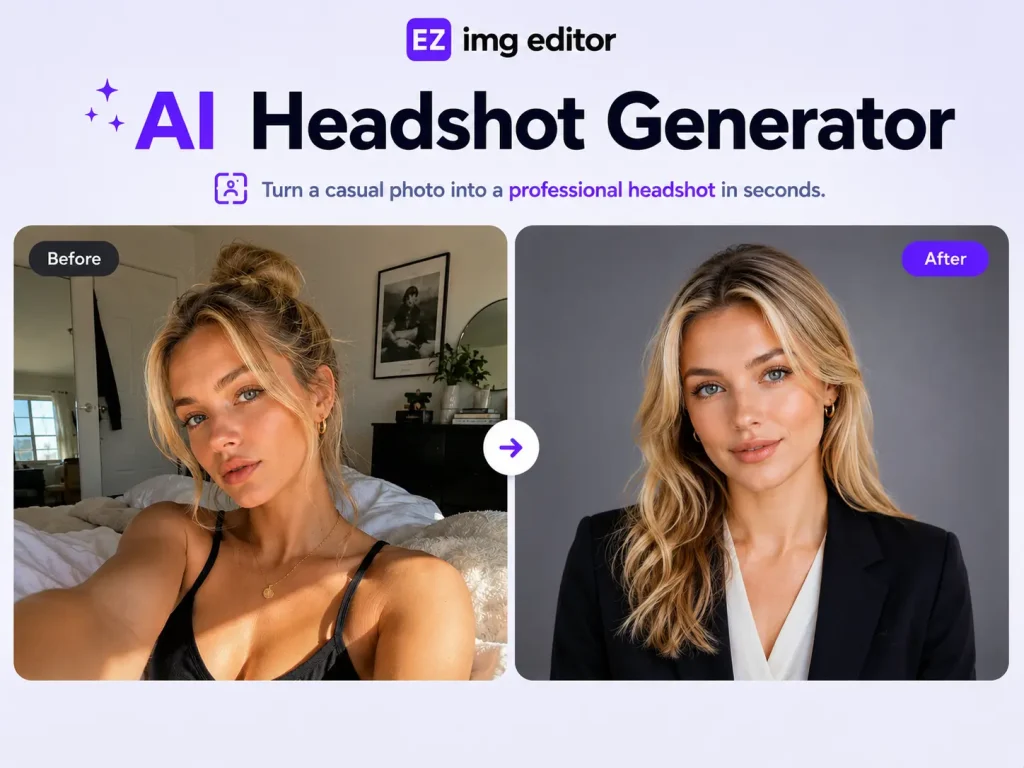
Make Pro Headshot
Turn Causul Photo into Pro Headshot in Seconds
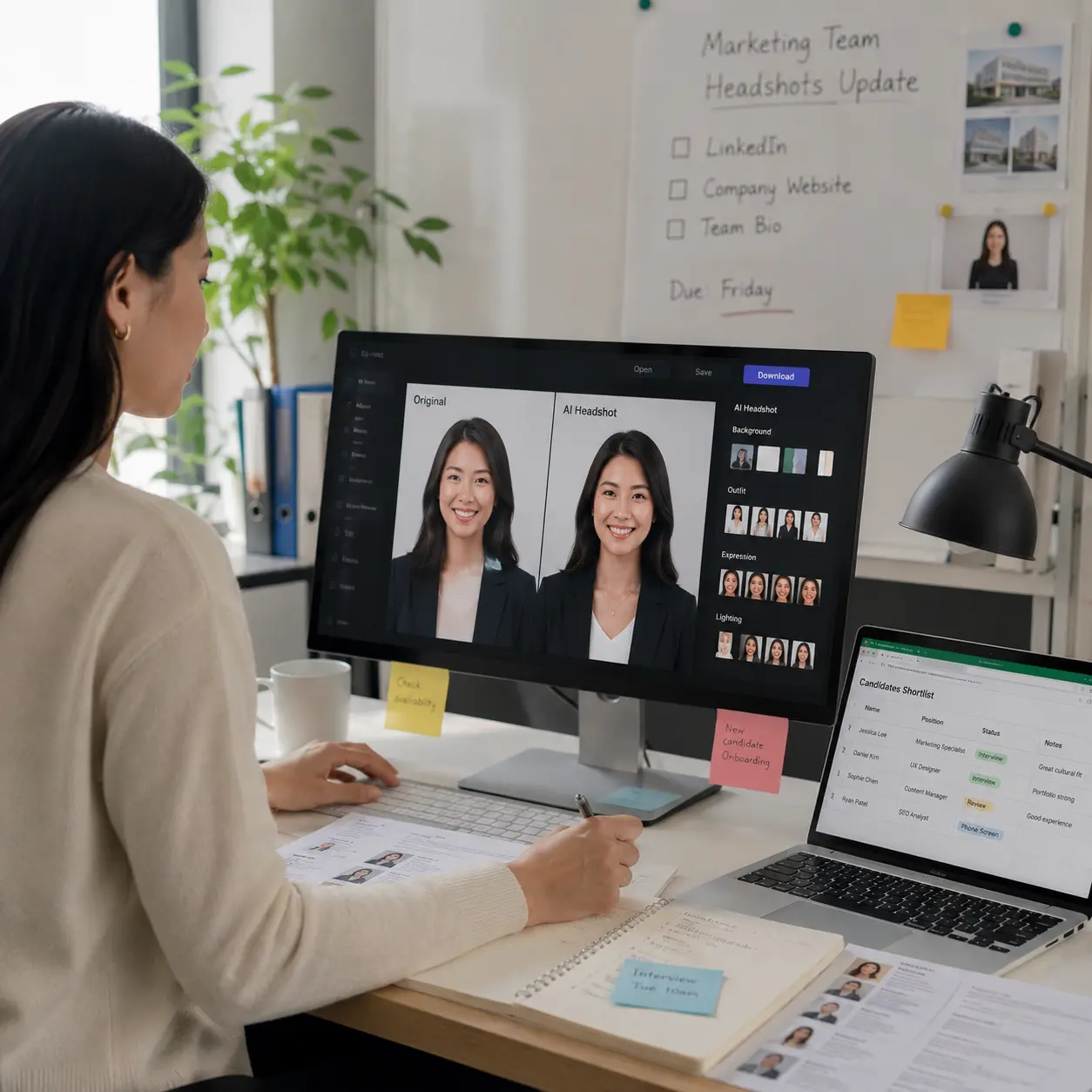
Transform everyday selfies into polished professional headshots with AI. Adjust lighting, improve facial details, refine backgrounds, and create studio-quality portraits perfect for LinkedIn, resumes, business profiles, and personal branding.
Change Background
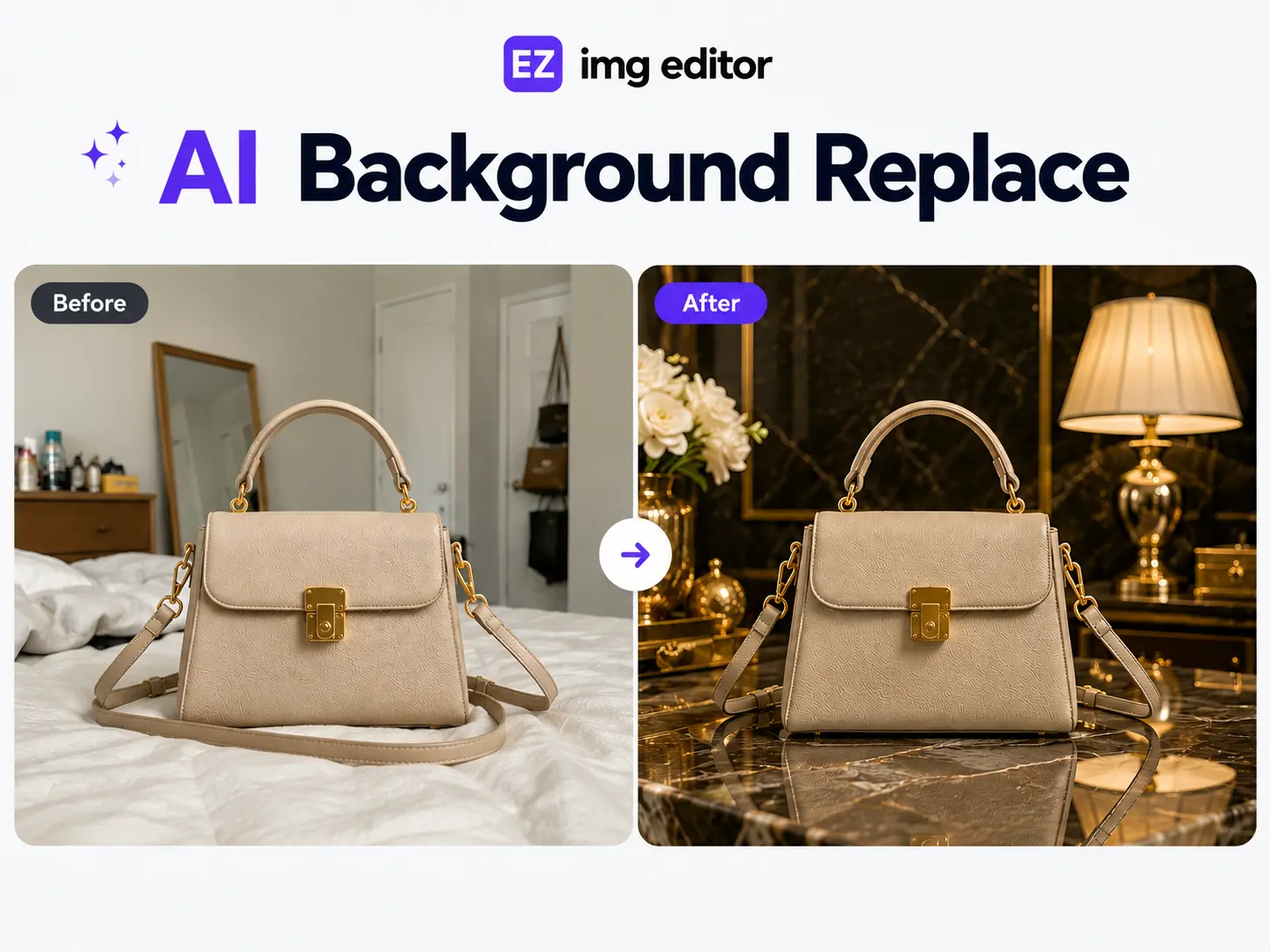
Change backgrounds to create high-quality display images
Replace ordinary backgrounds with professional scenes that match your purpose. Whether you're creating product photos, marketing materials, social media content, or portfolio images, Ez Img Editor helps you generate eye-catching visuals.
Use Cases
How Different Professionals Use Ez Img Editor?
Discover how professionals across industries use AI-powered editing to create stunning images, improve workflows, and save valuable time.
-
Instant Product Backgrounds
E-Commerce -
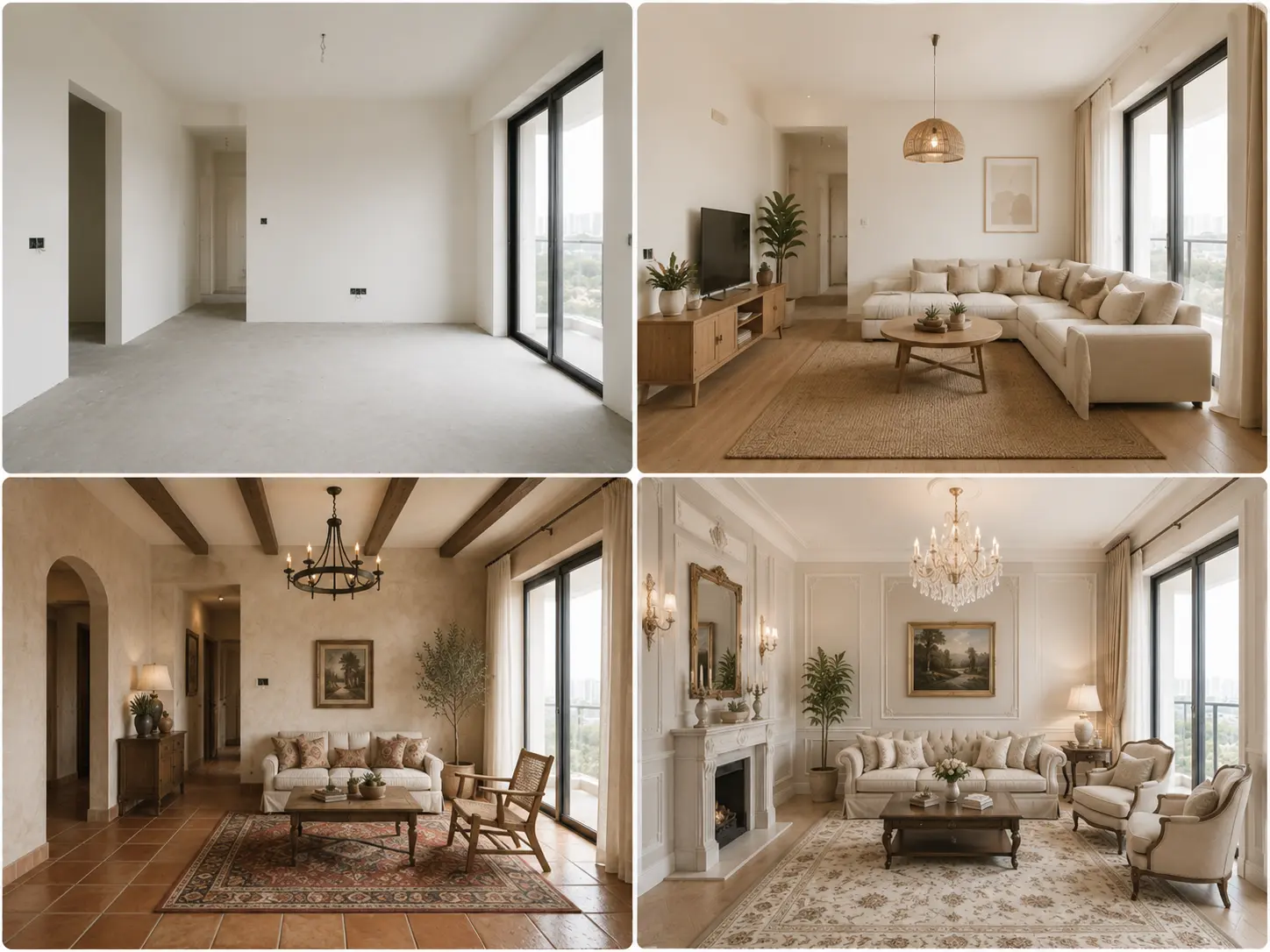
AI Interior Inspiration
Interior Design -
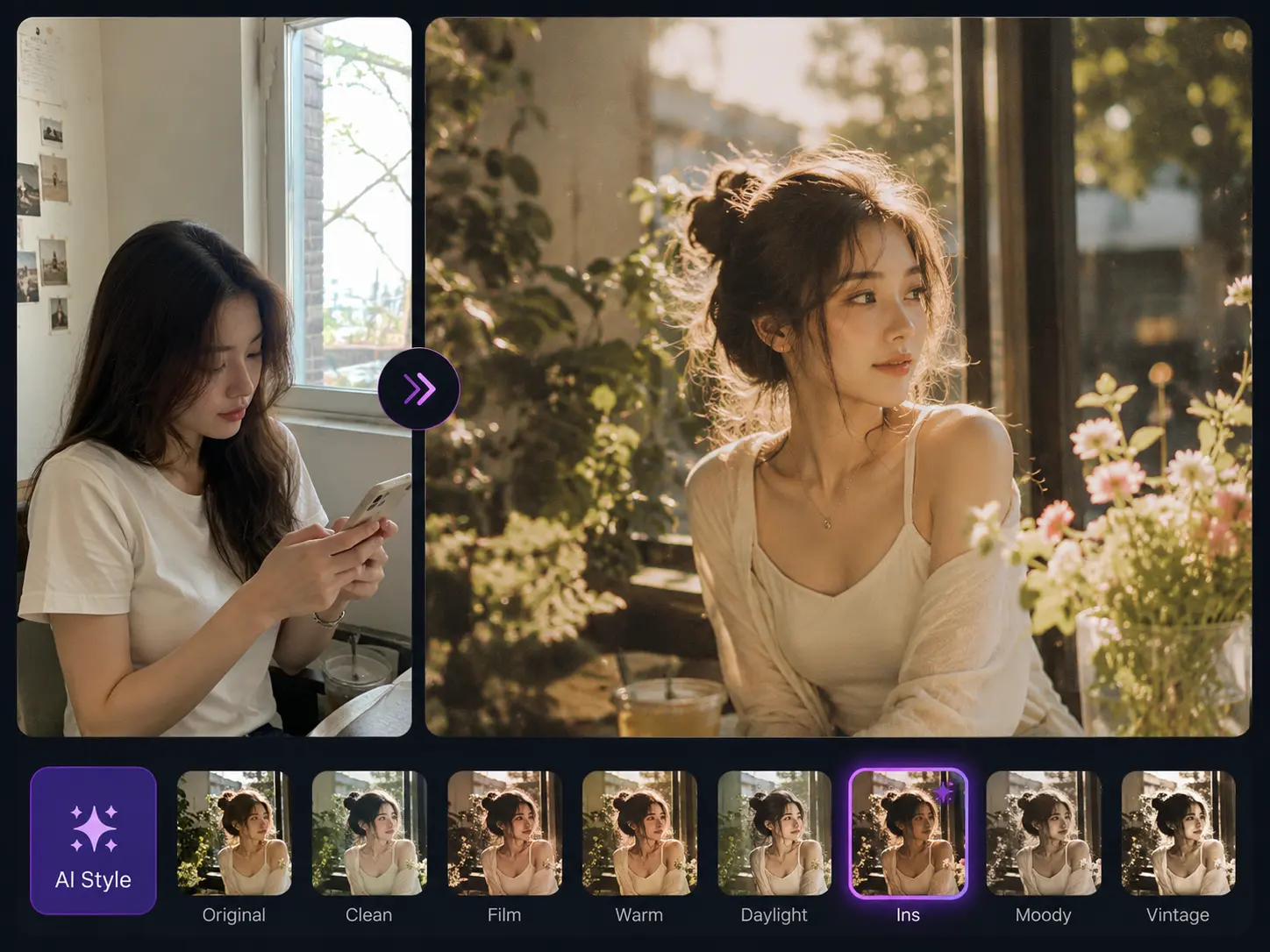
Elevate Every Post
Social Media Influencer -
Edit Photo Atmospheres
Photographers
Create Studio-Quality Product Photos in Seconds
Turn ordinary product images into professional e-commerce visuals with Ez Img Editor. Instantly replace backgrounds, remove distractions, and create clean product shots that help your listings stand out. Save time and improve your store's visual appeal with AI-powered editing.
Visualize Beautiful Room Layouts Before You Design
Try Ez Img Editor to generate stunning interior design concepts from your ideas or photos. Explore different layouts, furniture arrangements, and room styles in seconds. Ez Img Editor helps designers and homeowners bring creative visions to life faster.
Level up Your Photos for Social Media
Make every photo look polished and professional with Ez Img Editor. Apply stylish AI filters, enhance image quality, and create Instagram-worthy content with just a few clicks. Ez Img Editor helps influencers maintain a consistent and eye-catching visual brand.
Turn Ordinary Photos Into Cinematic Masterpieces
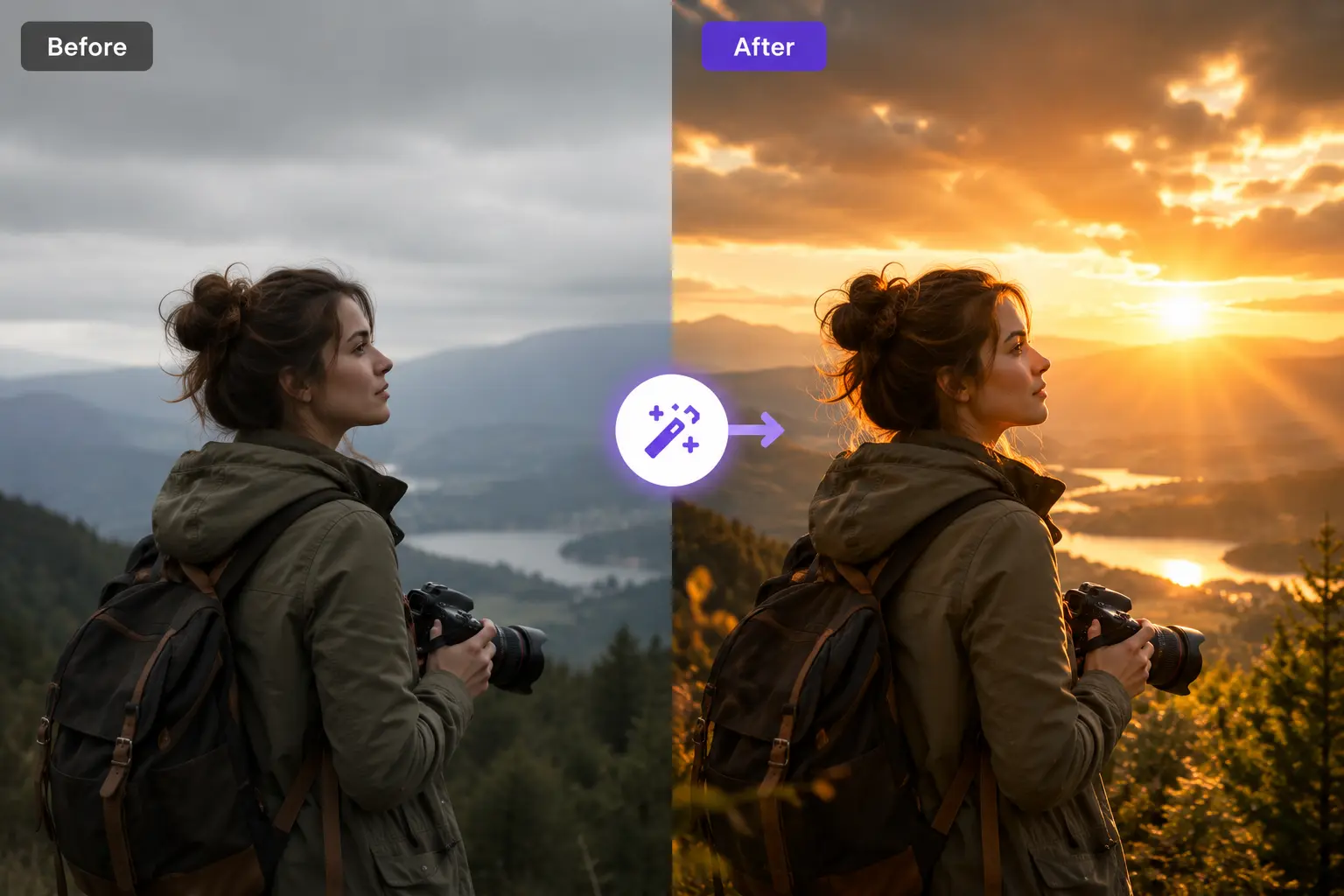
Use Ez Img Editor to transform the mood of any photo with AI-powered lighting and atmosphere enhancement. Replace harsh lighting, add golden-hour effects, and create dramatic scenes in just a few clicks. Ez Img Editor makes professional photo editing faster, easier, and more creative.
See What Users Say About Ez Img Editor
⭐⭐⭐⭐⭐
I sell home decor products online and often need simple product photos. The background changer has been useful when I need consistent-looking images for my store. Sometimes I still need to make small adjustments afterward, but overall it's much faster than manually editing dozens of photos one by one.

⭐⭐⭐⭐⭐
I started using Ez Img Editor mainly for professional headshots. The AI headshot feature isn't a replacement for a real studio session, but it's good enough for LinkedIn profiles and internal company pages. The results usually look natural, though I found that higher-quality original photos produce much better outcomes.
Help Center
Questions? Answers.
Quick answers to questions you may have. Can't find what you're looking for? Check out our full documentation.
Ez Img Editor is an all-in-one AI image editor that helps you edit, enhance, and transform images online. From removing unwanted objects and changing backgrounds to creating AI headshots and improving image quality, it provides multiple AI-powered tools in one simple workspace.
Yes. Ez Img Editor offers free daily credits so you can use many AI editing tools without paying. Your free credits automatically refresh every day, allowing you to continue editing images regularly. If you need more usage or faster processing, you can choose to upgrade at any time.
Yes. Your uploaded images are processed securely and are not used to train AI models. Files are automatically removed after processing to help protect your privacy and data security.
In most cases, yes. Ez Img Editor is designed to preserve realistic lighting, textures, and image details. For the best results, we recommend using clear, high-quality source images.
Yes. Images edited with Ez Img Editor can generally be used for business, marketing, e-commerce, social media, and other commercial purposes, provided you have the rights to the original content you upload.
Absolutely. We regularly update Ez Img Editor with new AI models, editing tools, and workflow improvements based on user feedback and the latest AI technology. Our goal is to make image editing easier, faster, and more powerful over time.

⭐⭐⭐⭐⭐
Sarah Mitchell Real Estate AgentI've mostly been using Ez Img Editor to clean up property photos before posting listings. The object remover works surprisingly well for small distractions like trash bins or random signs. It's not perfect on every image, especially if the background is complicated, but for quick edits without opening Photoshop, it saves me a lot of time.